
Portfolio / Timepiece
Lifestyle · 2026
Timepiece
From the first wear to every service — your watch life, recorded.
Turn each watch you own into a card. Every day you wear it, wind it, clean it and service it, the card grows.
App Store · Coming soonGoogle Play · In development
01 · Overview
Your love for watches grows every day, but the record of it ends up scattered across photo albums and notes.
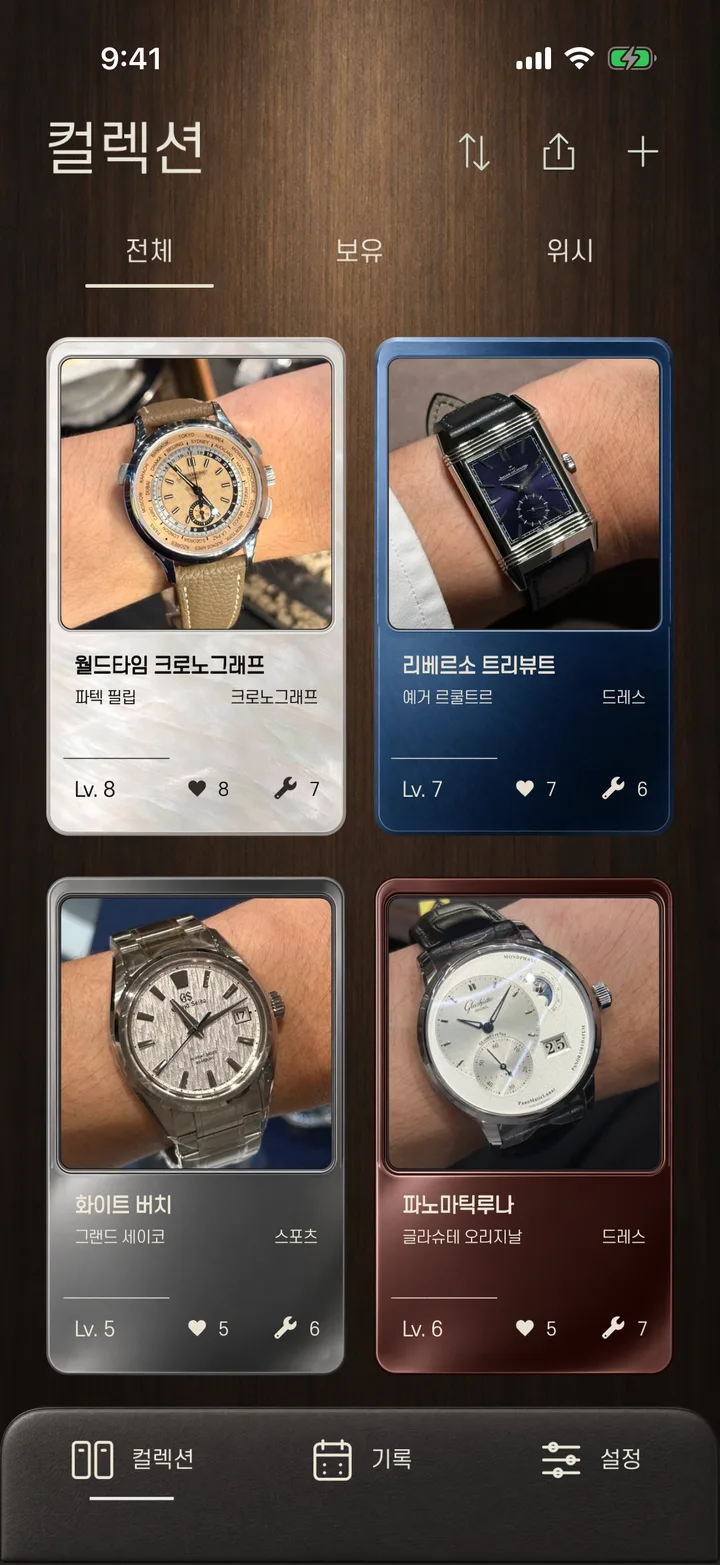
Timepiece turns each watch you own into a card, and stacks the time you spend with it onto that card.
02 · Features
- 01
Your watch, as a card
- Add a photo, model name and watch type to create your own card.
- Keep the reference, purchase date, movement and caseback photos on the back of the card.
- Collect the watches you want in a separate wishlist.
- 02
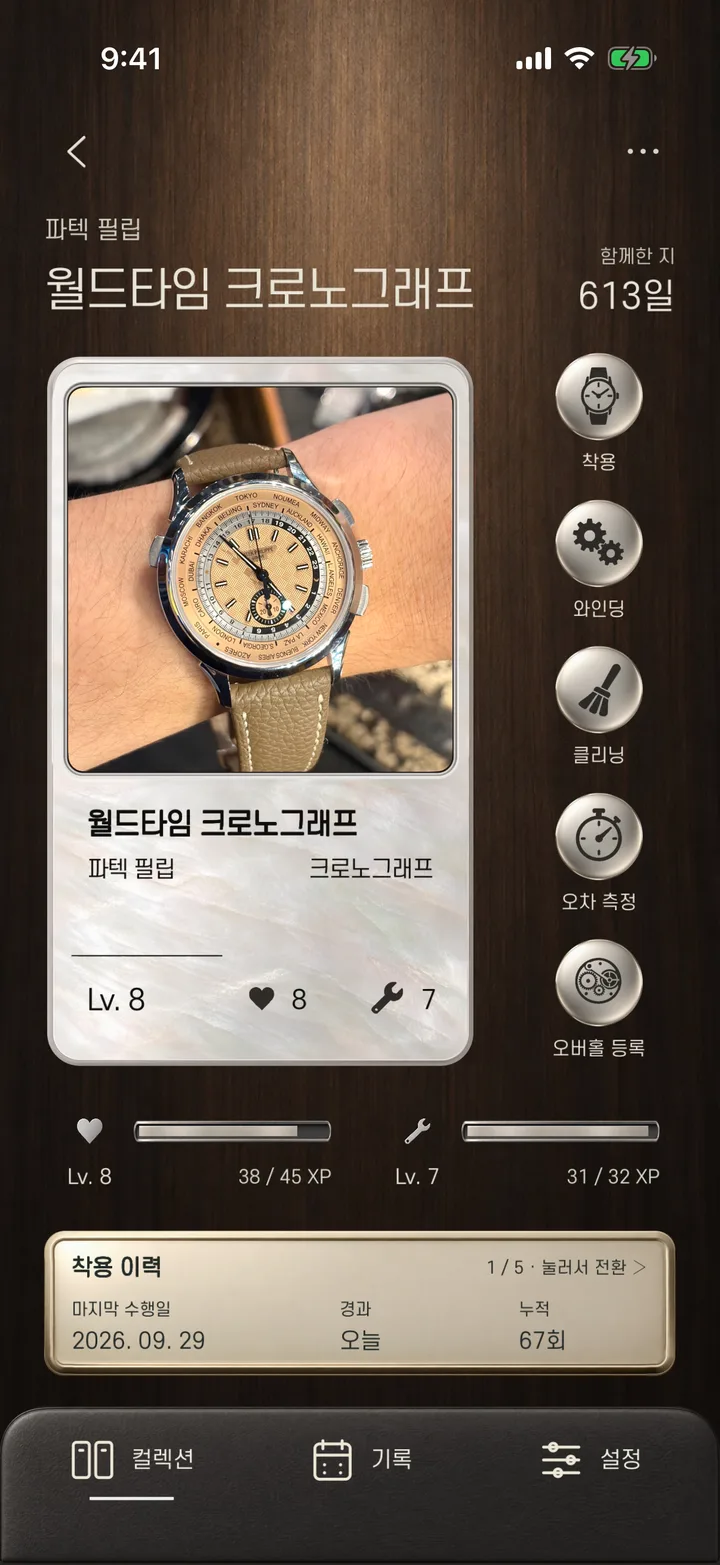
Wear and care grow the card
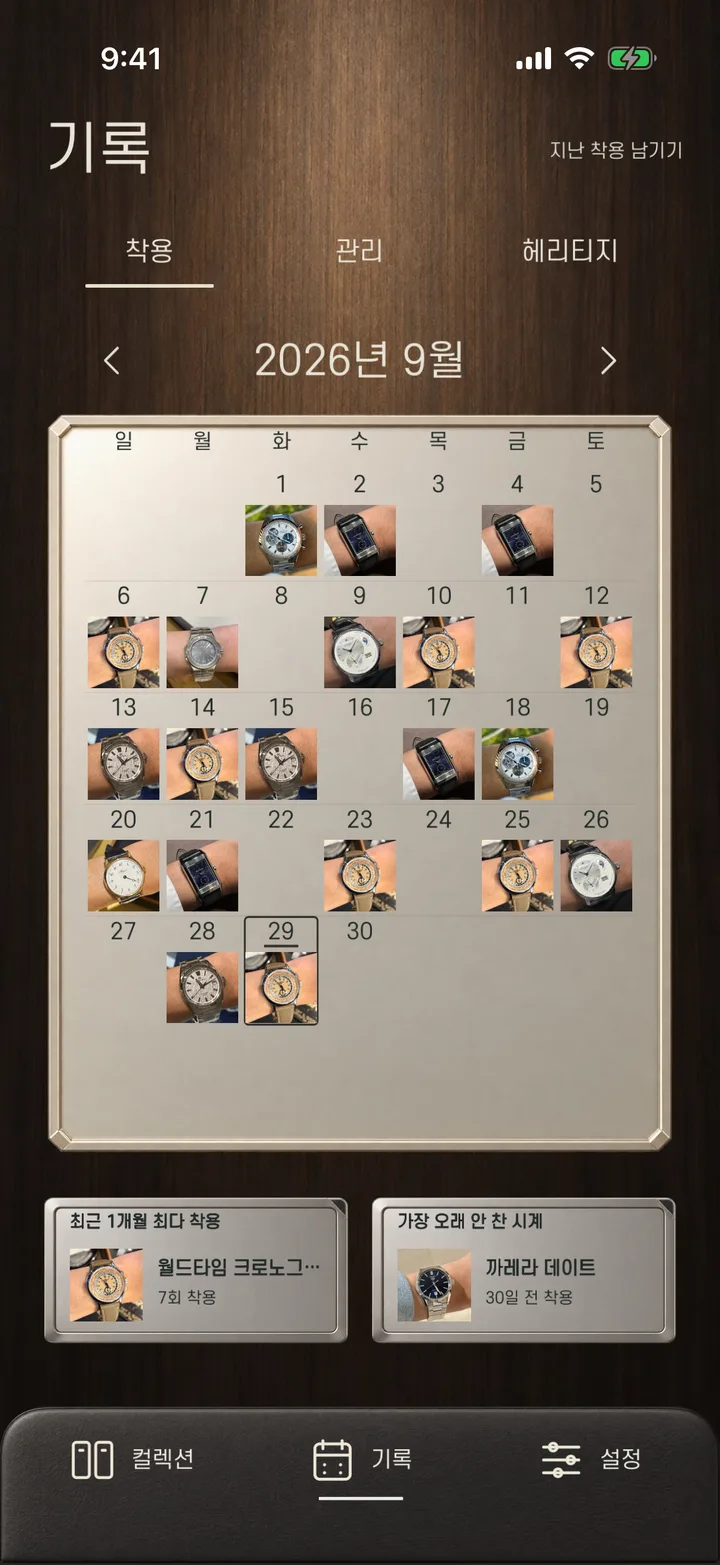
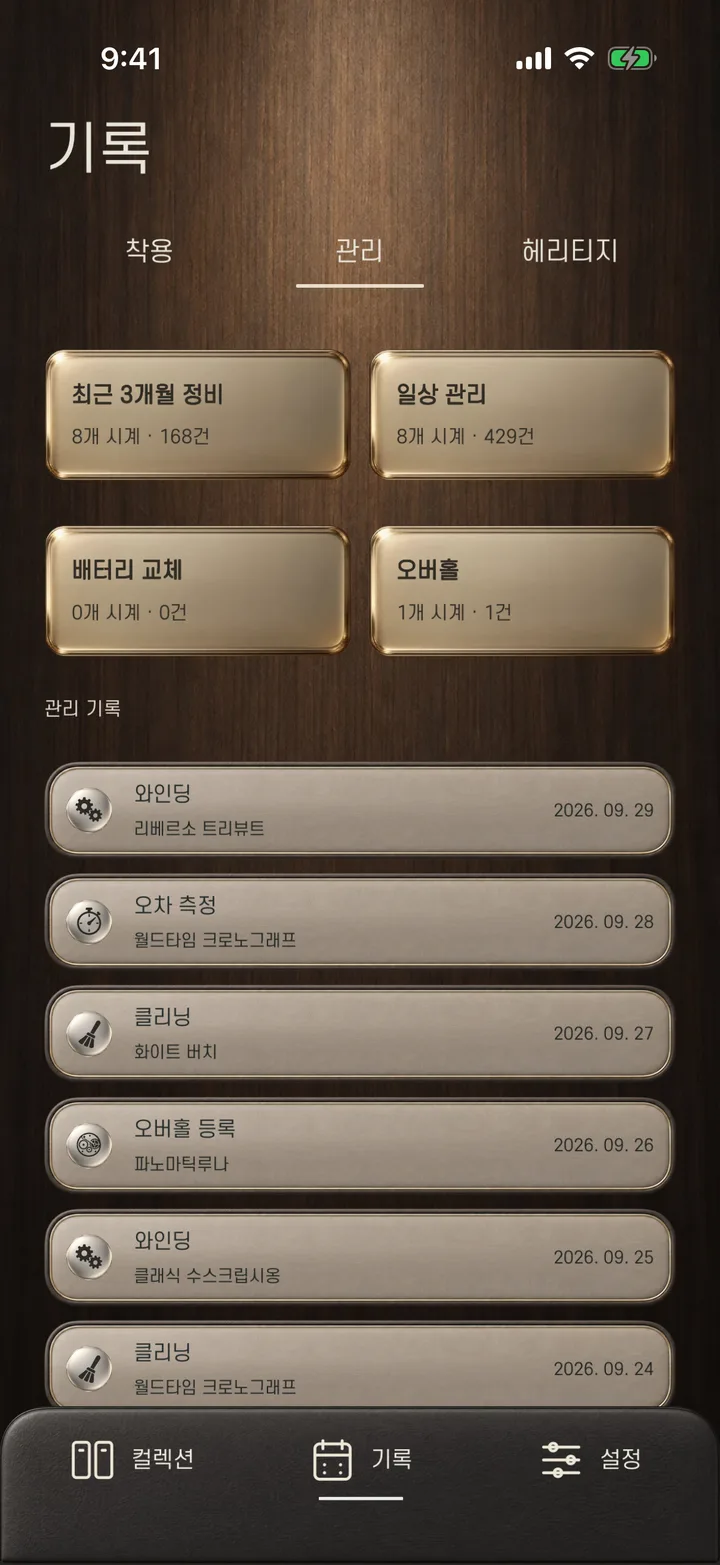
- Log the watch you wore today and look back on a calendar.
- Record winding, check-ups, cleaning, accuracy checks, overhauls and battery changes.
- As records add up, the card's affection and care scores rise and it levels up.
- 03
Heritage — stories your watch carries
- Save the stories behind a watch — the day you bought it, an anniversary, a moment on a trip — with photos.
- 04
For the moments worth sharing
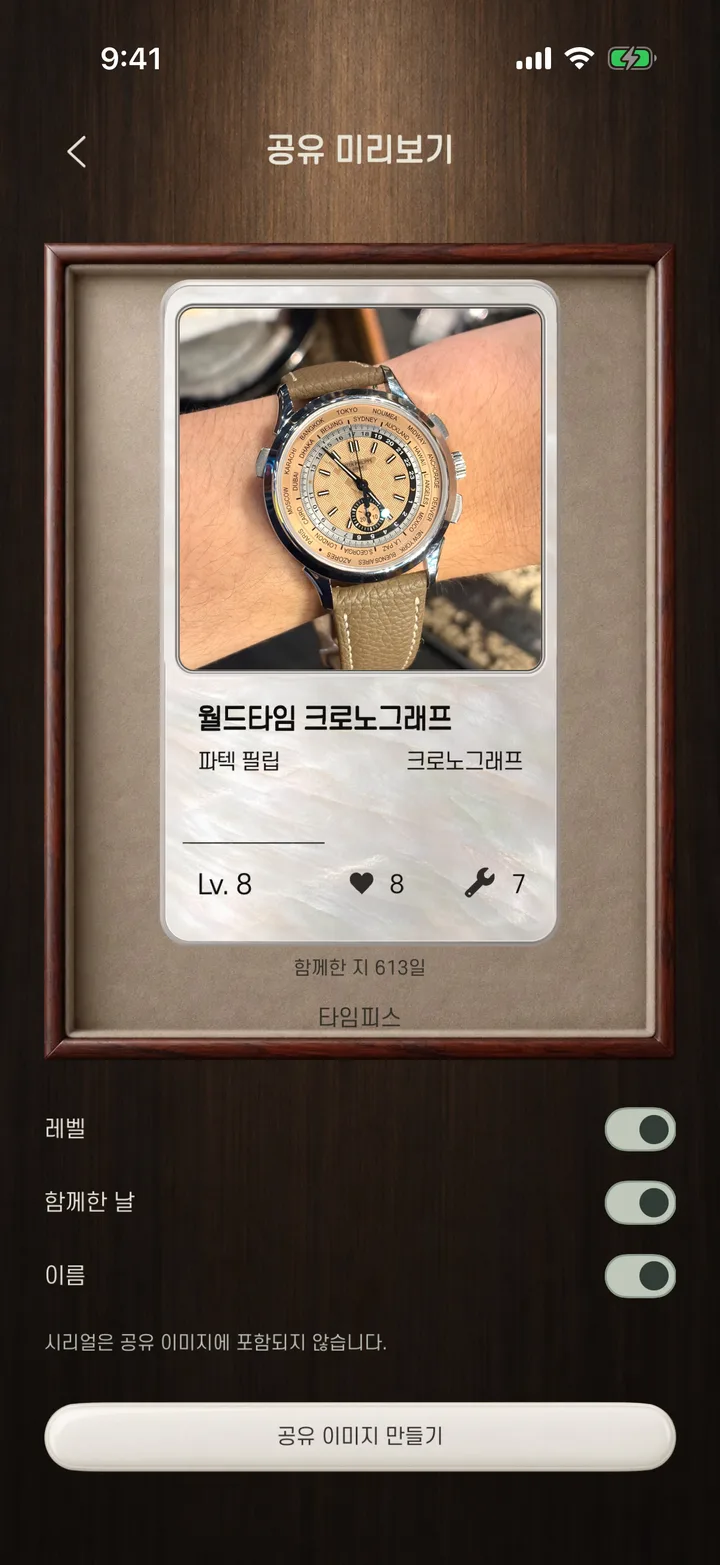
- Turn cards and your collection into images to post on forums and social media.
- Serial numbers are never included in share images.
- 05
Card skins
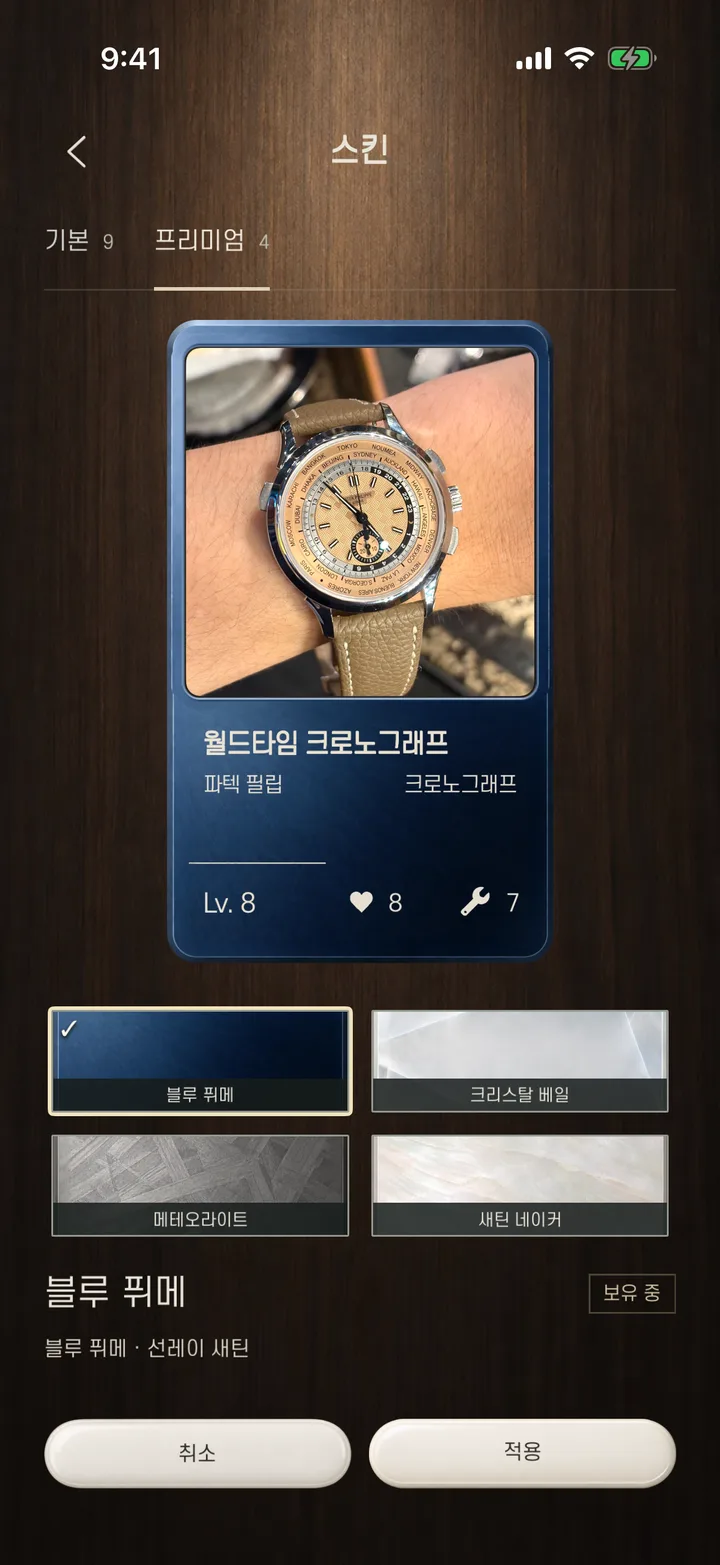
- Decorate the bottom of a card with 9 free skins.
- 4 premium skins are a one-time purchase you keep. No subscription.
03 · Your records stay yours
- No sign-up.
- No server of our own — your records and photos stay on your device and in your own iCloud; we can't see them.
- No ads, analytics or tracking tools.
04 · Documents & support